How to Repurpose Long Videos Into Reels Without Losing the Message
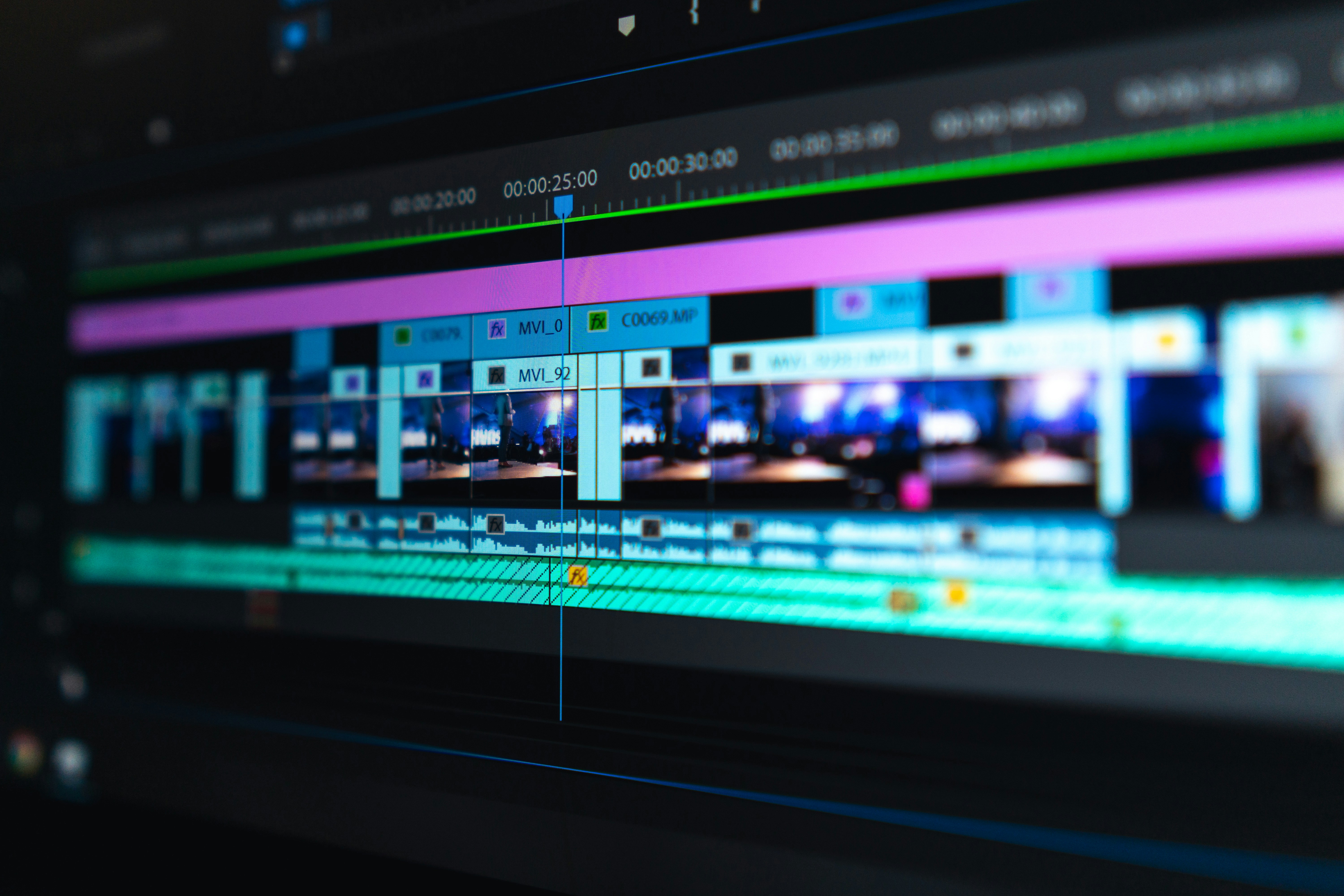
- Primary Signal: How to Repurpose Long Videos Into Reels Without Losing the Message
- Overview: Your long videos already contain dozens of reels waiting to be cut. Learn how to find self-contained moments, edit them for short-form viewers, and turn one video into a week of co...
- Verification: Analyzed and compiled by ReelHub Live editorial monitoring desk.
Many creators sit on hours of long-form video — streams, tutorials, vlogs, interviews — and post nothing short-form from them. Repurposing long videos into reels is one of the fastest ways to grow, because the hard work of filming is already done. The skill is not cutting randomly; it is finding the moments that work on their own in under a minute.
Start by watching or skimming the long video for self-contained moments: a single tip, a surprising answer, a funny exchange, a before-and-after, or a story with a clear beginning and end. A good reel moment makes sense without the rest of the video. If a clip needs five minutes of context to understand, it will not work as a reel, no matter how good it is in the original. Look for moments that are complete in thirty to sixty seconds.
Editing for reels is different from editing long video. Cut pauses, filler words, and slow build-ups. Start at the most interesting sentence, not at the start of the segment. Add captions, because many viewers watch without sound, and add on-screen text that states the point early. A repurposed clip should feel made for reels, not like a chunk cut out of something longer. If viewers can tell it was an afterthought, they will swipe.
One long video can become many reels, but each reel should carry one idea. A ten-minute tutorial with five tips becomes five reels, each focused on a single tip, each with its own hook. A one-hour interview becomes several reels, each built around one answer. This approach also protects you: if one reel underperforms, the other ideas still get their chance, and you learn which topics your short-form audience actually wants.
Repurposed reels still need a fresh hook and ending. Record a short new intro that states the payoff, or add text over the first frame that does the same job. End with a reason to follow, watch the full video, or comment — but make the reel satisfying on its own, not a teaser that only makes sense if viewers watch the long version. A reel that only works as an advert for a longer video will frustrate short-form viewers and underperform.
Format matters too. Vertical video works best for reels, so crop or reframe horizontal footage carefully, keeping faces and key action in frame. If the original is horizontal, consider adding captions and graphics above and below rather than zooming in so far that the image becomes unusable. Audio should be clean and clear: remove background noise from the original if needed, and make sure the loudest moment is not a surprise that makes viewers turn the sound off.
The routine that works for most creators is simple: after publishing a long video, immediately pick three to five reel moments, cut them within a day or two while the content is fresh, and schedule them across the following week. Keep a list of which moments you have already used, so you do not repeat the same clip. Over time, repurposing turns one piece of work into a week of short-form content, and the reels often bring new viewers back to the long video that started it all.
Live streams and question-and-answer sessions are especially good sources for reels, because they contain natural moments of surprise, humour, and useful answers. A viewer question that leads to a strong answer often makes a perfect reel on its own, since the question itself works as the hook. Skim the stream for moments where the energy rises, the chat reacts, or you explain something clearly in under a minute, and cut those moments first. Because streams are unscripted, these clips often feel more authentic than planned content, and authenticity is exactly what short-form audiences reward. Keep a habit of marking timestamps during streams so repurposing later takes minutes, not hours.
📖 Continue Reading the Full Story
Continue reading this article on ReelHub Live.
⚡ Access Full Content NowMore from ReelHub Live


 🔥 ViralBuzz 168
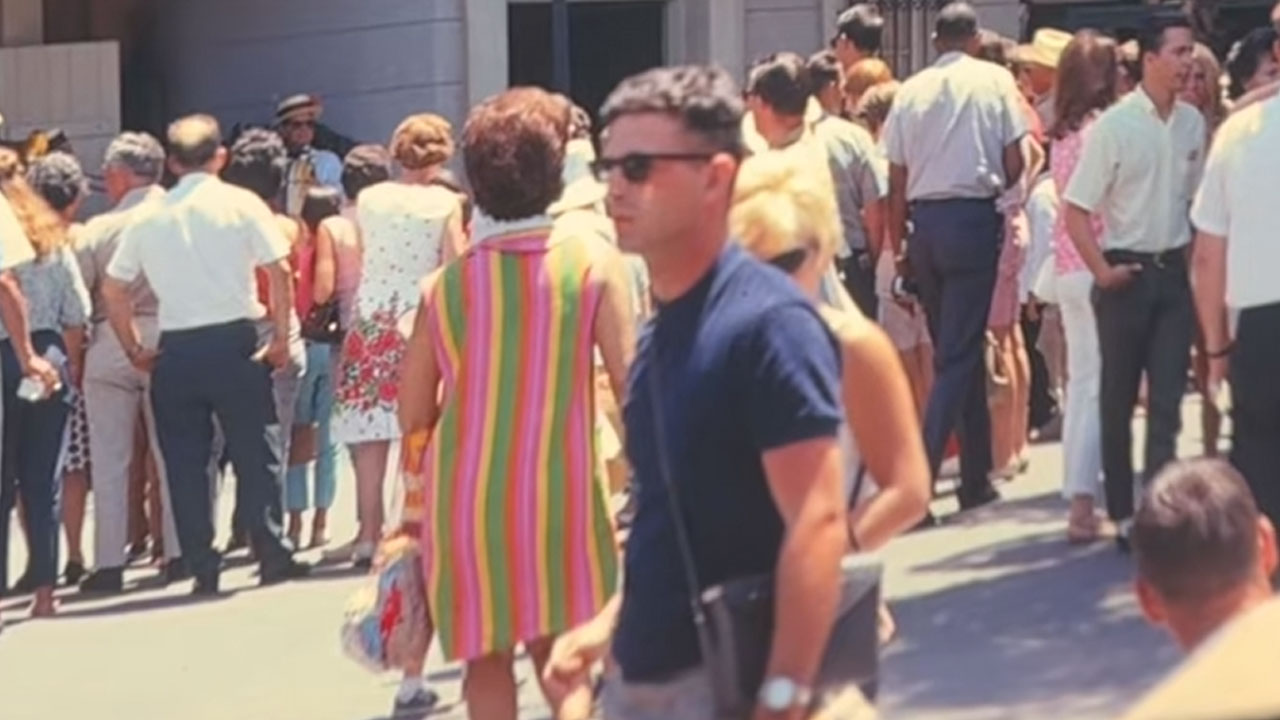
Woman Spots A Man In 1960s Disneyland Photo Who Looks Like He Just Stepped In From 2026
Fashion has a way of coming back around, with old trends finding their way into modern wardrobes. One woman no...
 🍿 CosmoCinema 998
How to Find Movies With Subtitles on Netflix in 2026: The Complete Guide
From the Browse by Languages page to the new Search by Language tool, here is every reliable way to find Netfl...
 🪙 FreeFortune Crypto
How to Send Bitcoin from Trust Wallet to Binance Without Losing Money on Fees
A step-by-step walkthrough for moving Bitcoin from Trust Wallet to Binance safely, with practical tips for kee...
 ⚡ SkyFree Athletics
Why Am I Not Losing Weight Despite Exercising Daily? 7 Hidden Reasons
Training every day but the scale won't move? Hidden calorie compensation, metabolic adaptation, sleep, and str...