How to Edit Reels on Your Phone With Free Apps
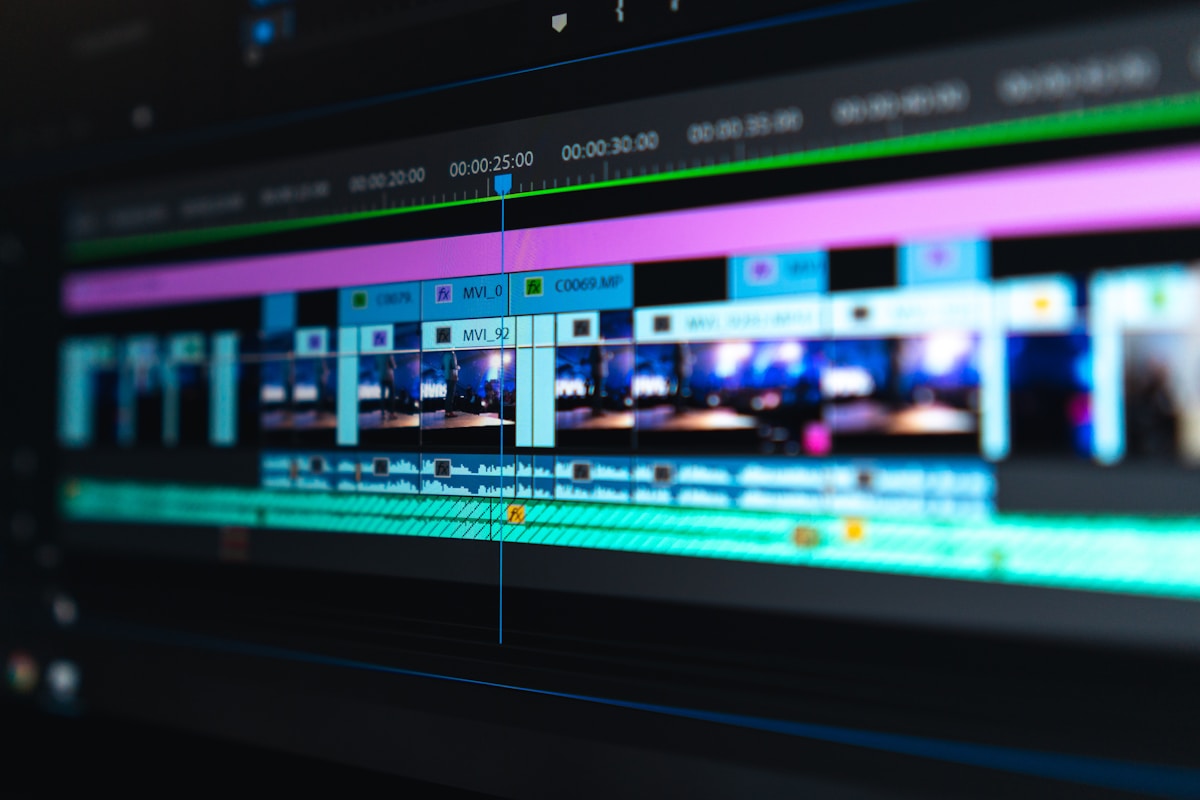
- Primary Signal: How to Edit Reels on Your Phone With Free Apps
- Overview: You do not need a computer or paid software to edit professional-looking reels. These free phone apps handle cuts, captions, effects and audio, with no watermark on exports....
- Verification: Analyzed and compiled by ReelHub Live editorial monitoring desk.
Professional-looking reels no longer require a computer, expensive software, or editing experience. Free phone apps now handle the full editing workflow: trimming clips, adding captions, syncing audio, applying effects, and exporting in the right format. The right app depends on what kind of reels you make and how much control you want.
CapCut is the most popular free reel editor for good reason: it offers multi-track editing, auto-captions, a large effects and template library, and direct export to social platforms, all on a phone. Its free tier covers nearly everything a reel creator needs, and its templates let beginners produce polished videos quickly. The main drawback is that some advanced features and effects require a subscription, though the free tier is generous.
VN Video Editor offers a more professional timeline experience on mobile, with precise control over cuts, speed curves, and colour, and no watermark on free exports. InShot is simpler and faster for quick edits, with an intuitive interface and solid caption tools. Creators who find CapCut's templates limiting often graduate to VN for finer control over their edits.
Captions are the single most impactful editing feature for reels, because most viewers watch with sound off initially. Auto-caption tools in CapCut, VN, and InShot generate captions from your audio, which you should then check for errors and style for readability: bold text, high contrast, and short phrases that appear in sync with speech. Well-styled captions alone can double a reel's retention.
Export at 1080p resolution, 30 frames per second, and a high bitrate for the sharpest result. Avoid exporting multiple times from different apps, since each export compresses the video and degrades quality. Edit in one app from start to finish when possible, and keep your original clips backed up so you can re-edit without quality loss.
Audio often decides whether a reel feels professional, yet many beginners leave it until last. Start by cleaning your voice track: trim pauses, reduce background noise with the app's denoise or volume tools, and keep your voice clearly louder than any background music. When you add trending audio, match the cuts to the beat rather than letting clips drift across it, because beat-matched edits feel intentional and hold attention. If you use voiceover, record it in a quiet room, close to the phone, and listen back on earphones as well as the phone speaker, since many viewers will hear it on a small speaker. Avoid stacking three music tracks, sound effects and voiceover at once; choose one lead sound per section and let the others support it. Good audio does not need expensive gear, but it does need a few minutes of deliberate listening before export.
A practical phone-editing workflow keeps projects manageable. First, select only your best clips and delete the rest, so the timeline stays short. Second, cut ruthlessly to the story: remove dead air, repeated words and slow starts before adding any effects. Third, add captions and check them against the audio, then add transitions sparingly, one style per reel, so the edit feels clean rather than busy. Speed ramps can add energy to process videos, but use them on short sections, not the whole clip, and keep faces and speech at natural speed where clarity matters. Save a project preset for caption style, aspect ratio and export settings, so each new reel starts from a consistent look. This routine matters more than any single effect, because consistency makes your reels recognisable and your editing faster with every post.
Free phone editors like CapCut, VN, and InShot cover the full reel workflow. Prioritise captions, edit in one app, and export at 1080p for sharp, professional-looking reels without spending anything.
📖 Continue Reading the Full Story
Continue reading this article on ReelHub Live.
⚡ Access Full Content NowMore from ReelHub Live


 🔥 ViralBuzz 168
How to Create a Meme Page on Instagram That Grows in 2026
A meme page grows on niche, consistency and formats Instagram pushes, not random posting. Learn how to pick a ...
 🍿 CosmoCinema 998
How to Find Movies With Subtitles on Netflix in 2026: The Complete Guide
From the Browse by Languages page to the new Search by Language tool, here is every reliable way to find Netfl...
 🎉 FreeFortune Rewards
Best Rewards Apps for Free Gift Cards in 2026
The best gift-card rewards apps have low cashout thresholds, wide retailer choice, and earning methods that fi...
 💵 GetRichFree Store
Best Free Budgeting Apps for Beginners in 2026
You do not need to pay for a budgeting app. Compare free automatic trackers, manual envelope apps, and the hum...