How to Edit Reels Faster With Templates
- Primary Signal: How to Edit Reels Faster With Templates
- Overview: Templates can cut editing time without making every reel look the same. Learn how to build a few reusable structures, customise them for each idea, and keep your editing workflow s...
- Verification: Analyzed and compiled by ReelHub Live editorial monitoring desk.
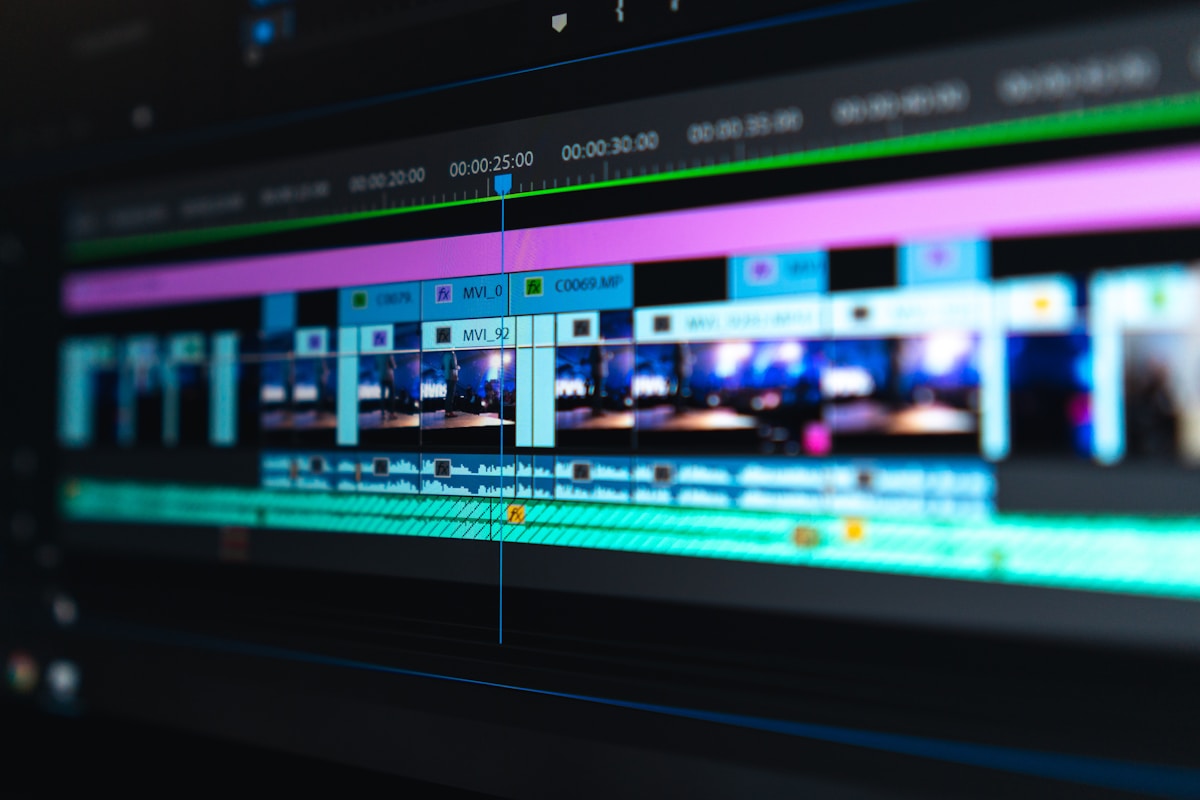
Editing often takes longer than filming, especially when every reel starts from a blank timeline. Templates solve that problem by giving you a ready-made structure: where the text goes, when the cuts happen, and how the music lines up. Used well, a template is a starting point, not a finished product, and it can turn a two-hour edit into a focused thirty-minute job. The goal is speed with variety, so your reels feel consistent without feeling copied from yourself.
Start by building templates from your own best reels, not from random presets. Look at three or four reels that were easy to watch and held attention, and note their structure: how long the opening shot lasted, when text appeared, where the music changed, and how the ending was framed. Turn each structure into a template with placeholder clips and text, and name it by its job, such as quick tip, before-and-after, or story reveal. Three or four templates are usually enough to cover most of your content.
Keep your template files organised so using them is actually faster. Store your templates, favourite fonts, brand colours, and commonly used sound effects in one folder or project, and label everything clearly. When you start a new reel, duplicate the template instead of editing the original, so the master stays clean. Drop in your new clips, replace the text, and adjust the timing to fit the footage, rather than forcing the footage to fit the template exactly.
Customisation is what keeps template reels from looking repetitive. Change the opening line, swap the background or b-roll, vary the text placement, and adjust the pacing to match the topic. A cooking tip and a travel tip can share a structure but should not share the same shots, colours, and wording. Small changes, like a different first clip or a new example, are often enough to make a familiar format feel fresh, while still saving you the time of rebuilding the edit from scratch.
A simple editing workflow helps even more than the template itself. Before editing, select only the clips you need and trim the obvious mistakes, so you are not searching through raw footage on the timeline. Edit in passes: first cut the story and order, then add text and captions, then check the audio levels, and finally watch the whole reel once on your phone. Batching similar tasks, such as adding captions to several reels in one session, also reduces the constant switching that slows editing down.
Know when not to use a template. A special announcement, a personal story, or a format you have never tried before may need a custom edit to land properly. Templates work best for repeatable content, such as weekly tips, series episodes, or product demos, where the structure is proven and the value is in the new information. If a template starts to feel like a constraint rather than a shortcut, it is time to build a new one or retire it for a while.
Editing faster with templates is about building a small system and trusting it. Create a few structures from your own best work, organise your assets, customise each use, and edit in clear passes. Over time the process becomes almost automatic, which leaves more energy for filming, ideas, and engaging with your audience. Speed matters, but only when the reel still feels intentional, clear, and worth watching to the end. Review your templates every few months, keep the ones that still save time, and replace any that slow you down. That regular review keeps the system working for you, rather than becoming another chore.
📖 Continue Reading the Full Story
Continue reading this article on ReelHub Live.
⚡ Access Full Content NowMore from ReelHub Live


 🔥 ViralBuzz 168
2026 Content Creator Awards Light Up Sandton Tonight With Music, Dance and Star Power
The 2026 Samsung Galaxy Content Creator Awards take over The Galleria in Sandton on October 17, celebrating So...
 🍿 CosmoCinema 998
Best TV Shows to Binge in One Weekend 2026
A perfect weekend binge needs short seasons, strong hooks, and a satisfying ending. Here is how to pick a show...
 💰 Free2Rich Online
Why Is Your Credit Score Low Even When You Pay on Time?
Paying every bill on time is only part of the credit score formula. Here are the hidden factors — utilization,...
 📦 Free2Rich Vault
Free Video Editing Software for Beginners in 2026: CapCut Alternatives and More
Free video editing software in 2026 covers everything from phone clips to YouTube videos. This guide compares ...