How to Make a Loop Video on TikTok That Replays

- Primary Signal: How to Make a Loop Video on TikTok That Replays
- Overview: A video that replays invisibly racks up watch time the algorithm cannot ignore. The planning, story-loop, and editing techniques behind seamless TikTok loops....
- Verification: Analyzed and compiled by ReelHub Live editorial monitoring desk.
The most underused growth hack in short-form video is also the simplest: make the end of your video flow into the beginning so seamlessly that viewers watch it twice without realizing it. TikTok counts every replay as watch time, and a video that loops invisibly racks up completion rates that single-play videos cannot touch. The algorithm reads those replays as intense interest and pushes the video wider, which is why loop videos punch far above their weight in the For You feed. Building a loop is a craft, and it starts before you press record.
The planning principle is one sentence: know your last frame before you film your first. A loop works when the closing moment looks and feels like the opening moment, so the restart is invisible. The easiest version is a motion loop — a hand sliding into frame, a turn, a camera pan — where the end position matches the start position and the movement simply continues. Product demos, dances, and everyday actions like wiping a surface or pouring coffee are natural fits, because the action itself resets. Sketch the first and last frames on paper if you have to; precision here is everything.
Story loops use curiosity instead of movement, and they are the secret weapon of tutorial and explainer creators. Start with a question or a bold claim, deliver most of the answer, and end on a line that points back to the opening — 'and that is why the first step matters most,' cutting straight to the first step. When the video restarts, it feels like the story is continuing rather than repeating, and viewers rewatch to catch the detail they missed. The classic sentence-split trick — 'Do you want to go viral [end] ...here is how you [start]' — still works because the brain hates an unfinished thought.
Execution lives in the edit. Match the first and last frames as closely as possible: same subject position, same lighting, same background, same motion direction. Most editors let you compare frames side by side, and zooming to two or four hundred percent reveals pixel-level jumps you would miss at full size. Trim ruthlessly, and consider a two-frame crossfade or a subtle motion bridge — a continuous hand movement or ambient sound that flows across the cut — to hide the seam. A clean loop feels like one long moment; a sloppy one feels like a glitch.
Length discipline multiplies the effect. Shorter videos are easier to loop and far more likely to be replayed multiple times, so keep loop videos between five and fifteen seconds where the format allows. Pair the loop with a format built for participation, like the suspect-twist trend: a rising sound plus an invisible loop is two distribution multipliers stacked on one video. And if you are editing on your phone, the AI tools built for short-form creators can handle the frame-matching and captioning that make loops feel effortless.
Test your loop the way viewers will experience it: watch it five times in a row on your phone and note the exact moment you notice the restart. If you cannot find it by the third viewing, it is ready. Post it, then check the analytics for average watch time above one hundred percent — that is the signature of a loop working, and it is the number that tells the algorithm to find you a bigger audience. In a feed where every creator is fighting for three seconds of attention, the loop is the format that quietly asks for six.
❓ Frequently Asked Questions (Viral Reels Briefing)
What makes this Viral Reels feature significant for ReelHub Live readers?
Our editorial team tracks verified source corroboration, technical specifications, and cultural resonance to deliver comprehensive analytical coverage.
How frequently is this coverage updated?
Our 24/7 automated monitoring desk updates breaking developments, verified media telemetry, and community commentary in real-time.
Where can readers follow ongoing developments on How to Make a Loop Video on TikTok That Replays?
Bookmark this page or subscribe to our verified RSS feed for instant breaking alerts and in-depth analyses.
🎬 4K Reel Player & Extended Creator Cut
Full high-resolution master playback, creator metadata, and related trending clips.
⚡ Launch Fullscreen Video ➔More from ReelHub Live

 🔥 ViralBuzz 168
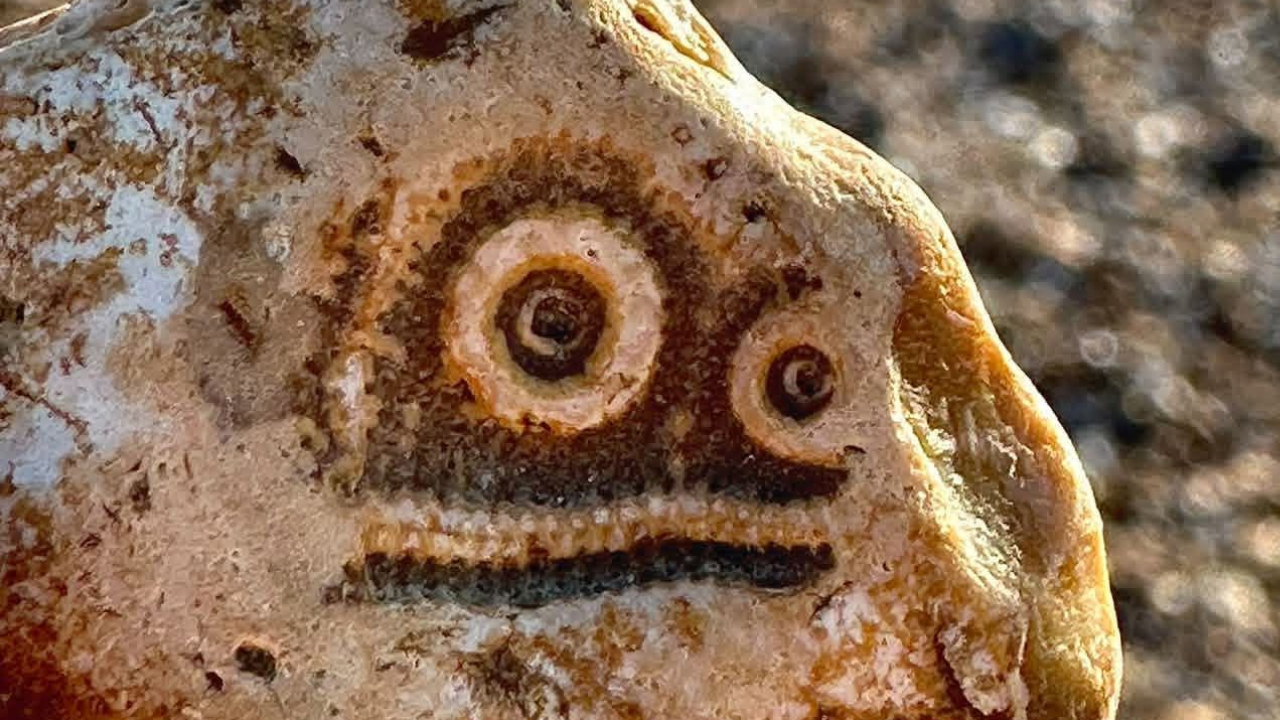
80 случайных предметов, которые случайно выглядят так, будто смотрят прямо на вас
Вам не нужен художник-портретист, чтобы создать узнаваемое лицо. Иногда все, что нужно, — это две точки и лини...
 🍿 CosmoCinema 998
Что посмотреть на OTT в эти выходные: 9 новых фильмов и шоу, которые появятся на Netflix, JioHotstar, Prime Video и других
Срочное освещение, о котором сообщает The Economic Times: Что смотреть на OTT в эти выходные: 9 новых фильмов ...
 🛍️ Caylin Shop
TikTok Shop's Black Friday 2026 Starts Early: Jewelry, Collectibles, and the Deals to Watch
TikTok Shop's official Black Friday event runs November 11-30, and the holiday push is already underway. From ...
 👁️ Secret of Illuminati
Operational Standard: TikTok Video Downloader (Day 21 Guide)
Establishing consistent quality with the TikTok Video Downloader on Secret of Illuminati. Discover essential t...