How to Add a Voiceover to Reels: Record, Edit, and Sound Natural

- Primary Signal: How to Add a Voiceover to Reels: Record, Edit, and Sound Natural
- Overview: A voiceover turns a silent clip into a story. Record it cleanly, keep it conversational, and sync it to the visuals — and your Reels will hold viewers far longer than music alone....
- Verification: Analyzed and compiled by ReelHub Live editorial monitoring desk.
Most Reels rely on trending audio to carry them, and trending audio is fine, but it cannot explain, persuade, or tell a story. A voiceover can. A clear voice talking over your footage turns a pretty clip into a tutorial, a review, a story, or a sales pitch, and it keeps viewers watching because they are listening as well as looking. A good voiceover is not a performance. It is a conversation, and this guide covers how to write, record, and edit it so it sounds like you on your best day.
Write the Voiceover Like You Talk, Not Like You Write
The biggest mistake in voiceovers is writing them like an essay. Written language is full of long sentences, formal words, and structures that sound stiff when spoken out loud. Spoken language is shorter, simpler, and full of contractions, pauses, and everyday words. Write your voiceover as a series of short spoken lines, each one no longer than a breath, and read every line out loud as you write it. If a sentence is hard to say, rewrite it until it is easy. Cut the introduction entirely: start with the most interesting line, not with hello and welcome. Keep the whole voiceover under sixty seconds for most Reels, and aim for one idea per five seconds, because viewers listen while they watch, and a dense script competes with the visuals instead of supporting them. The script should sound like you explaining something to a friend, not like you reading a document.
Recording Cleanly: Room, Mic, and Takes
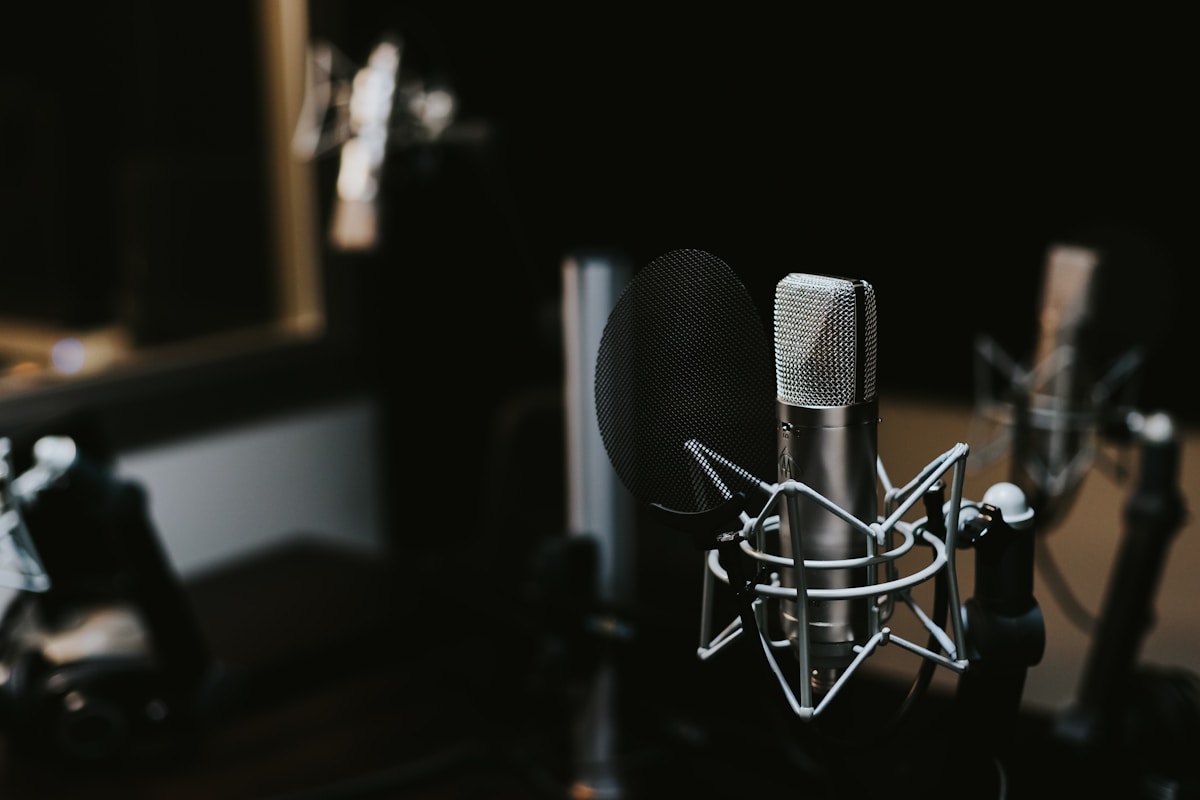
Clean audio matters more than a perfect voice, and it starts with the room. Record in the smallest, quietest room you have, with soft furnishings that absorb echo: a bedroom with curtains and a bed beats a large empty kitchen every time. Turn off fans, close windows, and put your phone on silent, because the microphone hears everything you have learned to ignore. Use a microphone if you have one, even a cheap wired lavalier, and clip it about fifteen centimetres below your chin. Record standing up if you can, because standing opens your chest and gives your voice more energy than sitting. Record each line three times and keep the best take, and do not worry about small mistakes: a natural pause or a breath sounds human, while a perfectly clean but lifeless read sounds like a robot. If you hate your recorded voice, remember that everyone does: the recording is how everyone else has always heard you.
Editing: Syncing Voice to Video
Editing a voiceover is where a good Reel becomes a great one. In your editing app, place the voiceover on its own audio track so you can move it independently of the video and the music. Cut the video to match the voice, not the other way around: when the voice mentions a product, show the product; when it mentions a step, show that step happening. Leave a half-second of silence before the first word, so the viewer settles in, and a half-second after the last word, so the ending does not feel cut off. Lower any background music to about twenty percent of its normal volume while the voice is speaking, so the words stay clear, and bring the music up only in the gaps. If a line sounds rushed, slow the clip slightly or add a pause rather than re-recording, and if a word is mispronounced, re-record just that line instead of the whole script. The goal is a voiceover that feels like it belongs to the video, not one that was pasted on top of it.
When to Use a Voiceover and When Not To
Voiceovers are powerful, but they are not right for every Reel. Use one when you need to explain something, tell a story, give instructions, or persuade the viewer, because those jobs need words. Do not use one when the video is purely visual, such as a satisfying process clip or a beautiful location, because talking over it can distract from what makes it work. Do not use a voiceover to repeat what is already on screen as text, because the viewer is reading and listening to the same words at once, which feels redundant. And do not use a voiceover as a shortcut for a weak video: if the footage is boring, a voice will not save it. The best test is to watch your Reel on mute and then with sound. If the mute version is confusing and the sound version is clear, the voiceover is earning its place. If both versions feel the same, the voiceover is decoration, and you can leave it out.
A good voiceover is a conversation, not a performance. Write it in short spoken lines, record it in a quiet room with a mic close to your mouth, and edit it so the visuals follow the words. Use it when you need to explain or persuade, and leave it out when the pictures already say enough. Your voice is the most personal tool you own as a creator, and a Reel that sounds like you is a Reel that viewers remember.
More from ReelHub Live