How to Find Trending Sounds on TikTok Before They Peak
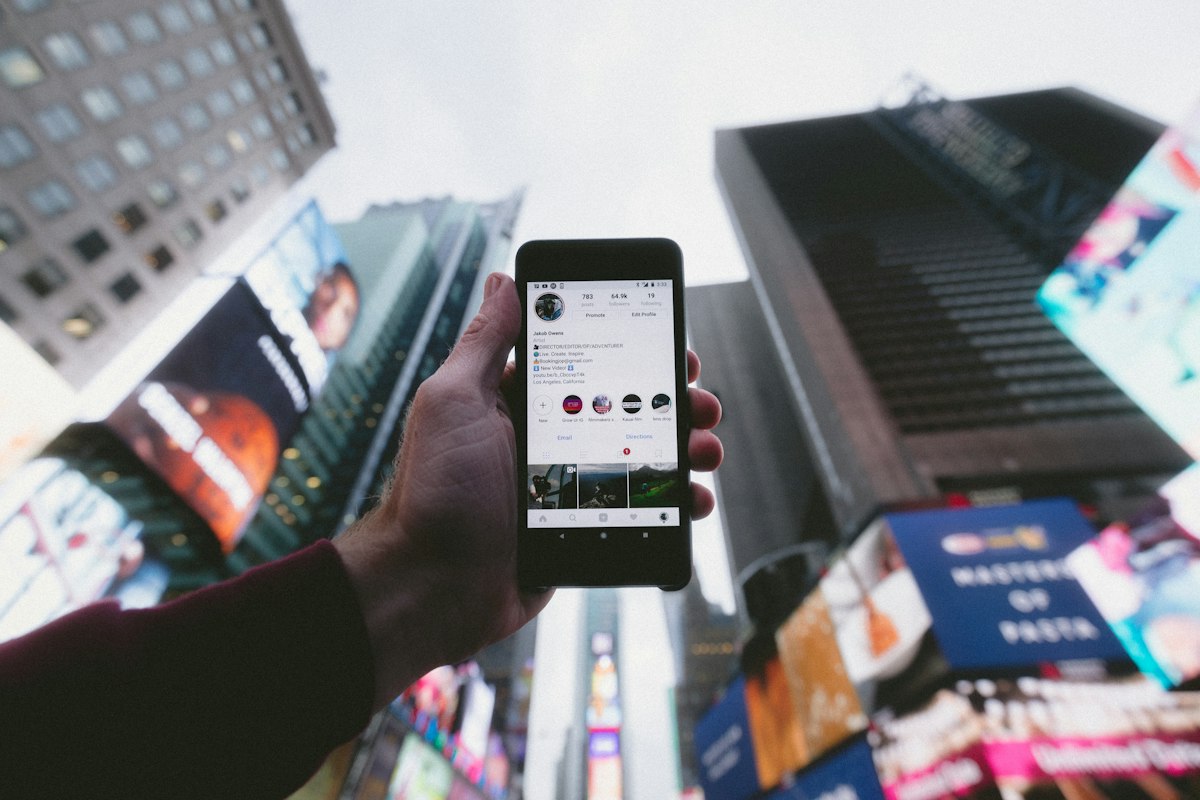
- Primary Signal: How to Find Trending Sounds on TikTok Before They Peak
- Overview: Catching a sound on the upswing instead of after saturation is the difference between riding a wave and looking three weeks late. Here is the exact system....
- Verification: Analyzed and compiled by ReelHub Live editorial monitoring desk.
The biggest free distribution lever on TikTok is a rising sound, and the window where it works is brutally short. A track that has already appeared in millions of videos is near saturation, while a sound accelerating fast off a low base can multiply a video's reach for days. The difference between those two states is why two creators can post the same idea with wildly different results: one rode the sound up, the other showed up after the peak. Finding sounds before they peak is therefore a skill, not luck, and it runs on a repeatable system.
Your most reliable instrument is TikTok's own Creative Center, which ranks trending songs by region, category, and velocity — the rate at which usage is growing. What you want is high velocity with low total usage: rising but not yet peaked. Switch the view to the last seven days rather than the all-time chart, and filter by your country and niche, because a sound trending in the United States may not have reached your market yet, which is exactly the gap you want to exploit.
The For You Page itself is the fastest trend detector you own. Make a habit of spending fifteen focused minutes a day scrolling and listening for audio patterns: when you hear the same sound three times in an hour, it is rising; ten times means it is peaking; once, and it feels stale, means it is declining. The moment a sound registers as rising, tap the audio name, check how many videos use it and how many were posted in the last few hours, then save it to your favorites before you forget. That favorites library becomes your launch queue.
Third-party trackers like TrendTok and TokAudience add a layer the native tools do not: they measure cross-region migration, catching sounds that start in one market and spread to others before they hit your feed. Creator-community signals are even earlier — following music labels, TikTok's own creator accounts, and the accounts that originate sounds reveals pushes roughly twelve to twenty-four hours before they land on the mass For You Page. Combine these sources and you will rarely be blindsided by a trend again.
Finding the sound is only half the job; pairing it with the right format is the other half. A rising sound deserves a format built for it, like the suspect-twist trend that took over TikTok or the relatable hometown-pride format creators keep remixing, because formats with a built-in participation mechanic travel faster than one-off ideas. Post quickly once you commit — a sound's peak window is typically three to four days, so filming tomorrow means filming late.
One warning closes the loop: never carry a trending sound across platforms as an exported file and assume the license travels with it. The trending badge covers use inside TikTok; reposting the same video to Reels or Shorts with the track baked in can get it muted or limited. Post the TikTok version natively with the in-app sound, then swap the audio for a royalty-free equivalent when you cross-post. Move fast, track velocity instead of volume, and you will spend more weeks riding waves than chasing them.
❓ Frequently Asked Questions (Viral Reels Briefing)
What makes this Viral Reels feature significant for ReelHub Live readers?
Our editorial team tracks verified source corroboration, technical specifications, and cultural resonance to deliver comprehensive analytical coverage.
How frequently is this coverage updated?
Our 24/7 automated monitoring desk updates breaking developments, verified media telemetry, and community commentary in real-time.
Where can readers follow ongoing developments on How to Find Trending Sounds on TikTok Before They Peak?
Bookmark this page or subscribe to our verified RSS feed for instant breaking alerts and in-depth analyses.
🎬 4K Reel Player & Extended Creator Cut
Full high-resolution master playback, creator metadata, and related trending clips.
⚡ Launch Fullscreen Video ➔More from ReelHub Live

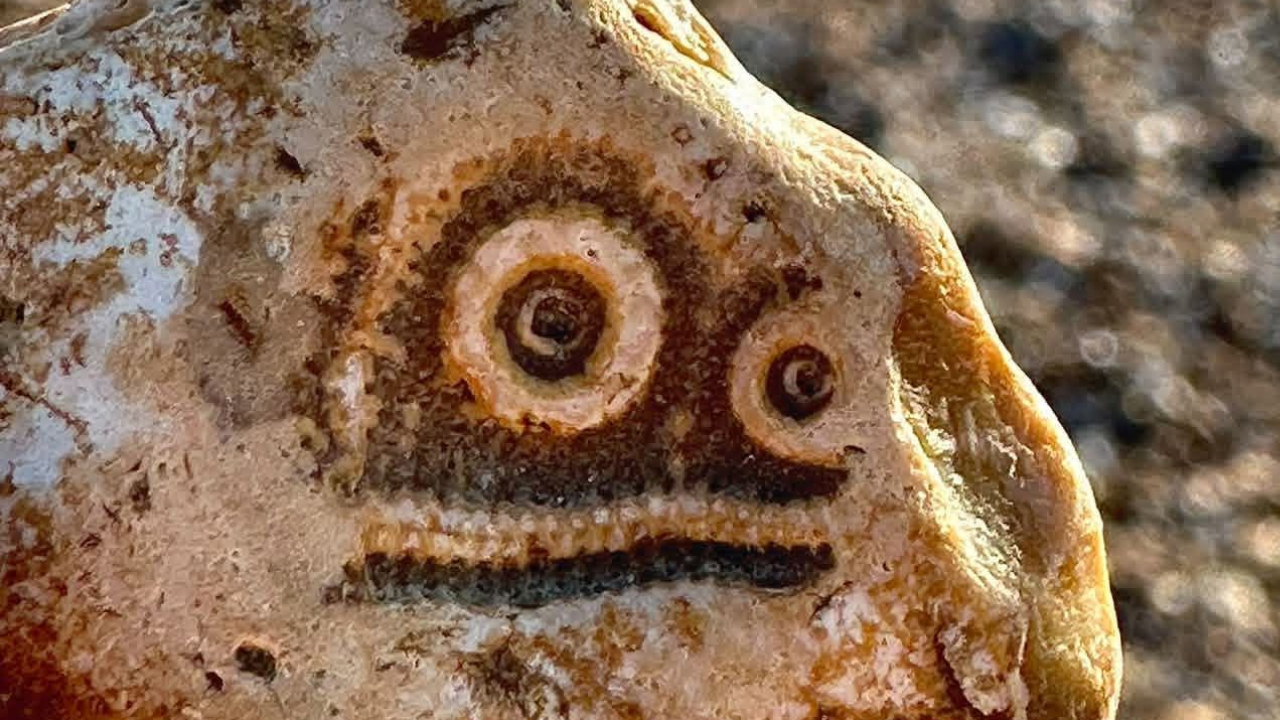 🔥 ViralBuzz 168
80 zufällige Objekte, die zufällig so aussehen, als würden sie dich direkt anstarren
Sie brauchen keinen Porträtkünstler, um ein erkennbares Gesicht zu schaffen. Manchmal genügen zwei Punkte und ...
 🛍️ Caylin Shop
TikTok Shop's Black Friday 2026 Starts Early: Jewelry, Collectibles, and the Deals to Watch
TikTok Shop's official Black Friday event runs November 11-30, and the holiday push is already underway. From ...
The Beekeeper 2 | movie | 2027 | Official Trailer
Former government assassin and wanted man Adam Clay is tasked with stopping rogue Beekeepers attempting to tak...
[ENG] | Swap for an AI Sister, Now They Beg Me Back | FULL EP | CROWNED.DESIRE
"Swap for an AI Sister, Now They Beg Me Back" is an intensely satisfying sci-fi family drama, high-tech comeba...