How to Add Captions to Instagram Reels
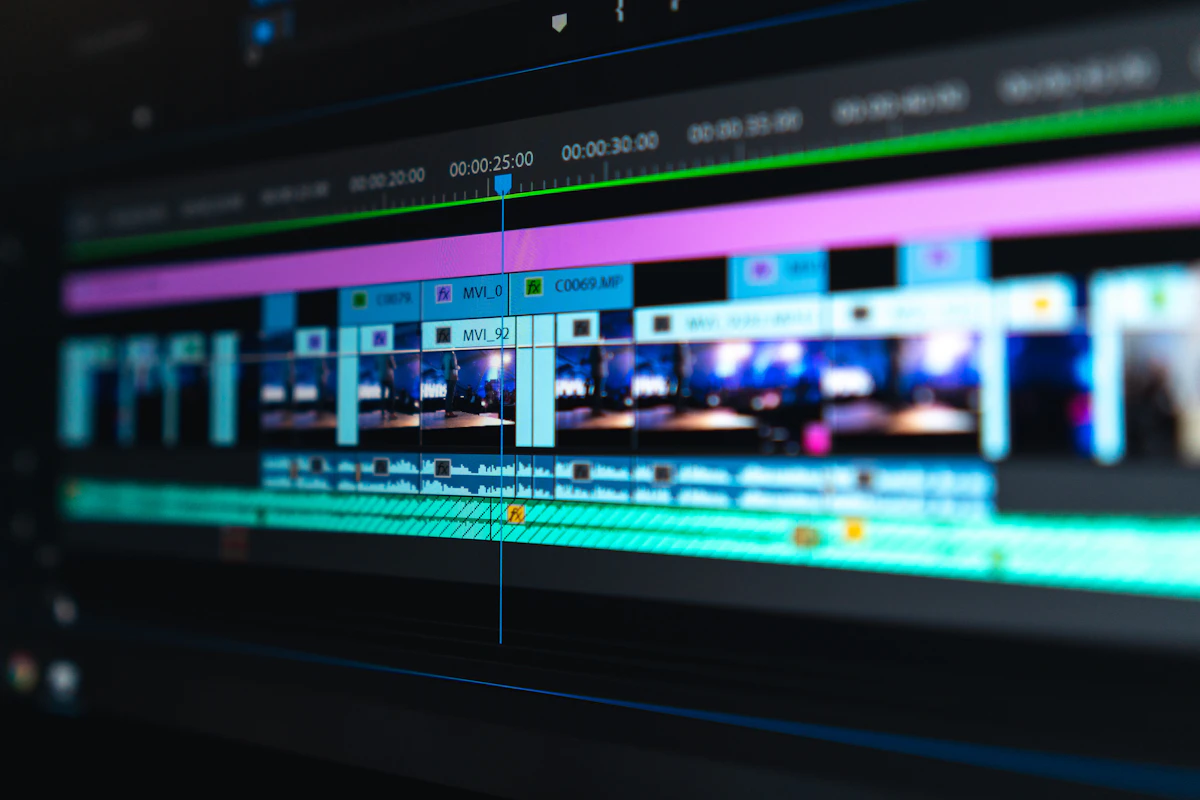
- Primary Signal: How to Add Captions to Instagram Reels
- Overview: Two ways to caption a Reel: automatic closed captions under More options, or the captions sticker burned into the video. The word-count math and safe placement....
- Verification: Analyzed and compiled by ReelHub Live editorial monitoring desk.
You add captions to an Instagram Reel in two ways: turn on automatic closed captions under More options before you share, or use the captions sticker to burn styled words into the video itself. Closed captions are a track viewers can switch off. The sticker is part of the picture, so everyone sees it.
Automatic closed captions are the lowest-effort option. While creating the Reel, tap Next twice to reach the final screen, tap More options, and switch on Enable closed captions. Instagram transcribes the speech and shows the words at the bottom of the Reel. You can also add them after publishing: open the Reel from your profile, tap Options, then Edit, then More options, and use the same toggle. Instagram's own help pages say this is a phone feature: it is not available on computers, so do it in the Android or iPhone app. Availability also varies by language and region.
The captions sticker does something different. Take or upload your clip, tap the sticker icon, and choose the captions sticker from the tray. Instagram transcribes the audio onto the screen as styled text, and you can pick one of four styles. Tap any word to fix it before you post, because automated transcription is good, not perfect: names, brand names, numbers, and technical terms are where it fails most often. If you want full control over wording, line breaks, and timing, write the captions yourself in your editing software and export them burned into the video.
Worked example: what captions cost and where they go. A 30-second Reel spoken at a normal 150 words per minute contains 30 / 60 x 150 = 75 words. Typing those 75 words by hand at 40 words per minute takes 75 / 40 = 1.88 minutes, close to two minutes of typing plus syncing. Automatic captions take about 30 seconds to generate plus about a minute to read and fix, which is roughly 1.5 minutes total, and the timing is already synced. Keep captions to two or three words per screen: 75 words become 75 / 3 = 25 to 75 / 2 = 38 screens, so each screen stays up for about 30 / 25 = 1.2 seconds. Place them in the middle third of the 1080 by 1920 frame, from y = 640 to y = 1280, clear of the top interface and the bottom buttons.
One thing the top guides skip: captions you burn in are invisible to Instagram. The words exist only as pixels, so Instagram cannot read them, search them, or use them to understand the Reel. If you burn captions in, still write a real caption in the post text so the words exist somewhere machine-readable. Run a 60-second check before you post: read every line, fix the names and numbers, check the words sit inside the safe middle of the frame, and watch once with the sound off to confirm the Reel still makes sense. See How Do You Write a Reel Hook in the First 3 Seconds? for the opening and How Do I Find Trending Audio on Instagram Reels? for the sound.
Q: What is the difference between closed captions and the captions sticker?
A: Closed captions are a switchable track Instagram generates from your speech. The captions sticker burns styled words into the video itself, so everyone sees them and they cannot be switched off.
Q: Can I add captions after posting a Reel?
A: Yes. Open the Reel from your profile, tap Options, then Edit, then More options, and turn on Enable closed captions.
Q: Why do I not see the captions option?
A: Caption features are only on the Android and iPhone apps, not on desktop, and they are not available in every language or region.
Q: Should captions be burned in or automatic?
A: Burn them in when you want styled words everyone sees. Use automatic closed captions when you want accessibility and searchable text with the least effort.
More from ReelHub Live
